Top Practices to Secure Your Cloud Usage on AWS
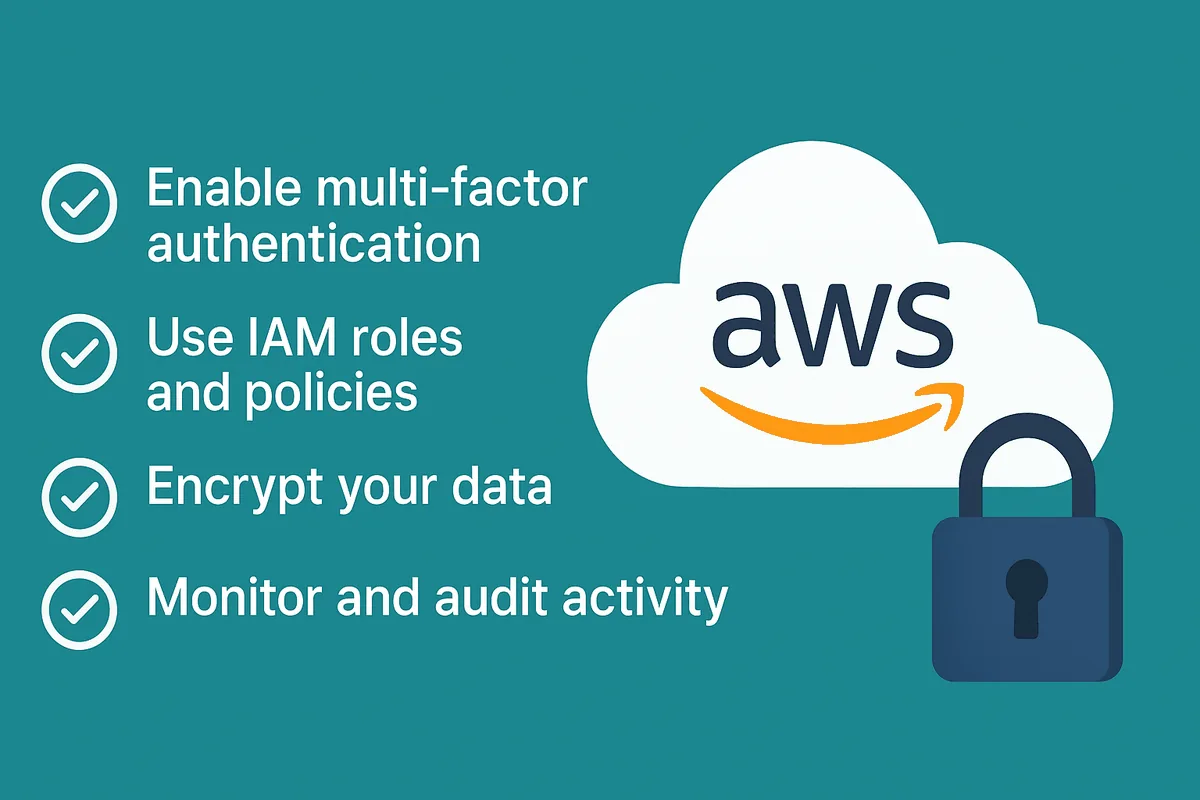

Storing data and running applications in the cloud is second nature. But as convenient as AWS makes it, cloud security isn't something you can afford to overlook. From startups to enterprises, securing your AWS environment is an ongoing journey, one that starts with awareness and evolves with consistent action.
Below are 9 best practices to help you lock down your cloud infrastructure and stay a step ahead of threats.
1. Use Strong Passwords & Enable Multi-Factor Authentication (MFA)
- Create strong, unique passwords for each AWS account.
- Enable Multi-Factor Authentication (MFA), especially for root and admin users, to add an extra layer of protection.
- Even if a hacker cracks your password, MFA can stop them in their tracks.
Pro Tip: Get started with AWS IAM MFA
2. Apply the Principle of Least Privilege (PoLP)
- Assign permissions based on specific job roles, not convenience.
- Avoid using broad roles like AdministratorAccess unless absolutely necessary.
- Audit and remove unused IAM roles and accounts regularly.
Learn more about: AWS IAM
3. Encrypt Data at Rest and In Transit
- Use built-in encryption for AWS services like S3, RDS, and EBS.
- Transfer data using HTTPS or other secure protocols.
- Manage and rotate encryption keys using AWS Key Management Service (KMS).
Explore: AWS Encryption Guide
4. Monitor Cloud Logs and Set Up Real-Time Alerts
- Enable AWS CloudTrail to record API calls across your AWS environment.
- Use Amazon CloudWatch to set alerts for unusual behavior, like spikes in login attempts.
- Store logs securely and review them periodically.
5. Protect Your Cloud Perimeter with Edge Security
- Enable AWS Shield for automatic DDoS protection.
- Use Amazon CloudFront as a CDN to mask and protect origin servers.
- Integrate AWS WAF to filter out malicious traffic.
6. Keep Software & Integrations Up to Date
- Use AWS Systems Manager Patch Manager to automate patching of EC2 instances.
- Monitor third-party libraries and plugins for vulnerabilities.
- Maintain version control and update infrastructure-as-code regularly.
7. Back Up Your Data Regularly and Across Regions
- Enable S3 Versioning to maintain older copies of objects.
- Use Cross-Region Replication to make sure geographic redundancy.
- Automate backups for EC2, RDS, and EBS using AWS Backup.
8. Stay Alert to Phishing and Social Engineering
- Train employees to recognize phishing emails and fake login pages.
- Use MFA to minimize the impact of stolen credentials.
- Use Amazon Macie to identify and protect sensitive data.
9. Make Cloud Security a Habit, Not a One-Time Task
- Regularly review IAM permissions, CloudTrail logs, and alerts.
- Use the AWS Well-Architected Tool to assess your cloud environment.
- Run automated scans with Amazon Inspector to detect vulnerabilities.
Final Thoughts
AWS provides tools to help you build a secure, scalable, and resilient cloud environment, but it's up to you to use them effectively. By consistently applying these best practices, you're doing more than reducing risk. You're creating a cloud setup that supports growth, protects your assets, and earns your customers' trust.
Remember: Cloud security isn't a one-time setup, it's a continuous journey. The more proactive you are today, the fewer problems you'll need to fix tomorrow.
Need help implementing these AWS security practices?
Our team of cloud security experts can help you assess your current AWS environment and implement these best practices built for your specific needs. Get a Demo.