Cost Guardrails CLI: Pre-Deployment Cost Validation, Now Part of SKYXOPS

Every engineering team has lived this moment: a routine infrastructure change ships on Friday, and on Monday the cloud bill has a new line item nobody expected. An oversized instance, a forgotten storage volume, a region mismatch - small decisions with big financial consequences.
The reason is simple. Most organizations validate code quality, security, and test coverage in their CI/CD pipelines - but not cost. Cost is the one metric that gets checked after the damage is done.
Here's how Cost Guardrails CLI brings SKYXOPS's cost intelligence directly into your CI/CD pipeline - analyzing your Terraform plans and CloudFormation templates and telling you exactly what they will cost, before a single resource is provisioned.
If you've read our earlier piece on why FinOps needs to shift left, Cost Guardrails CLI is how SKYXOPS makes it operational.
What Cost Guardrails CLI Does
As part of the SKYXOPS platform, Cost Guardrails CLI moves the cost conversation to the only place where it can change the outcome: the pull request.
When a developer opens a PR with infrastructure changes, Cost Guardrails analyzes the IaC plan and returns a cost summary to your CI pipeline - before anyone clicks merge. Here's what the check reports:
- Estimated Monthly Cost - Total projected spend across all resources in the change.
- Per-Resource Breakdown - Each resource individually priced: type, region, compute, storage, and network meters.
- Budget Status - Remaining headroom, consumption percentage, and whether the change fits within the team's allocated budget.
- AI Recommendations - An AI-generated narrative explaining cost drivers and suggesting optimizations.
- Clear Decision - ALLOW, WARN, or BLOCK - color-coded and unmistakable.
Key Point: Cost Guardrails doesn't require cloud credentials. It reads only the plan file - no IAM roles, no service principals, no cloud access needed.
From Code Change to Cost Decision in Seconds
Cost Guardrails fits into your existing IaC workflow without changing how your team works:
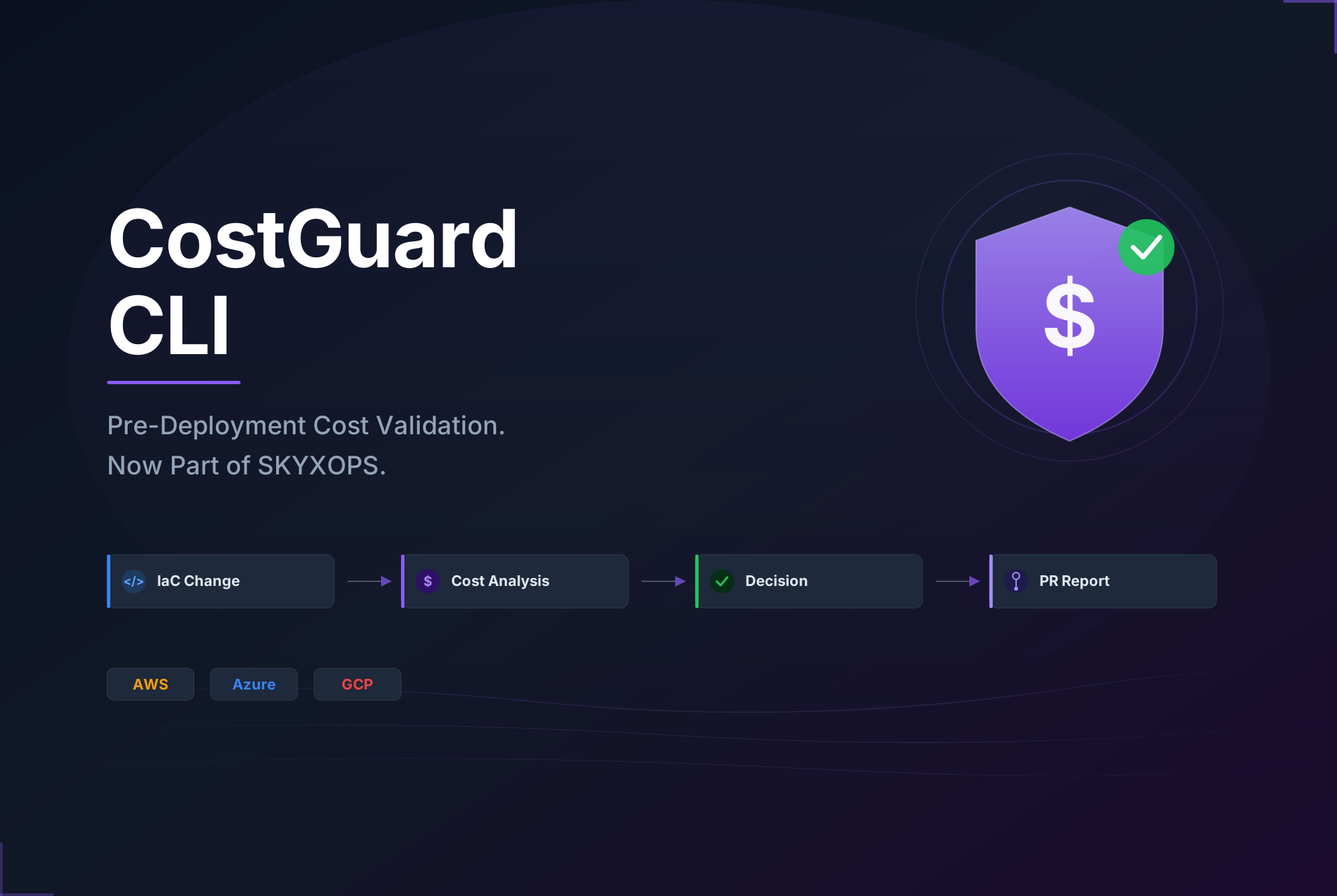
- Developer pushes an IaC change - A standard Terraform plan or CloudFormation template, the same artifacts your pipeline already produces.
- Cost Guardrails prices every resource - Each resource is individually costed using real-time, region-specific pricing from our multi-cloud pricing engine.
- Budgets and policies are checked - The total estimated cost is validated against the team's allocated budget and organizational guardrail rules.
- Result returned to your pipeline - The full cost analysis and a clear ALLOW, WARN, or BLOCK decision, surfaced in your CI check output and logs.
The entire process takes seconds and requires only two things: a plan file and a SKYXOPS API key.
The Decision Framework: ALLOW, WARN, BLOCK
Every Cost Guardrails analysis produces one of three outcomes that map directly to your pipeline's pass/fail logic:
| Decision | What Happens | When It Triggers |
|---|---|---|
| ALLOW | Pipeline continues, merge allowed | Cost within budget, all policies pass |
| WARN | Pipeline continues, reviewer flagged | Budget approaching limit or minor policy warning |
| BLOCK | Pipeline fails, merge blocked | Budget exceeded or critical policy violated |
A BLOCK decision stops a deployment the same way a failing test does - automatically, before it reaches production. A WARN lets the change through but makes sure a human reviews the cost impact.
No accidental five-figure bills. A simple mix-up - provisioning m5.24xlarge instead of m5.large - gets caught in the PR, not on the invoice.
Native CI/CD Integration
Cost Guardrails auto-detects your pipeline environment and returns results to your CI natively. Use our platform-specific integrations or install the CLI directly - whichever fits your workflow.
- Azure DevOps - Install the Cost Guardrails extension from the Visual Studio Marketplace. One task in your YAML pipeline.
- GitHub Actions - Add the Cost Guardrails Action to your workflow. CI check output, artifacts, and pipeline gating out of the box.
- GitLab CI - Include the remote Cost Guardrails template. Pipeline output and soft-failure handling built in.
- Direct CLI - Install with
pip install costguard-cliand run anywhere Python is available - Jenkins, CircleCI, Bitbucket, or your local machine.
The CLI keeps its original package name; the product it drives is Cost Guardrails.
Requires a SKYXOPS subscription. Cost Guardrails CLI is included with all SKYXOPS plans. Your SKYXOPS API key is all you need to get started - no additional licensing or separate billing.
Multi-Cloud, Real-Time Pricing
Cost Guardrails doesn't use static price lists. Every analysis pulls real-time pricing data across AWS, Azure, and GCP, making sure estimates reflect current rates - not outdated snapshots. It supports Terraform, CloudFormation and Kubernetes/Helm, so it fits your existing IaC toolchain regardless of cloud provider.
Every Stakeholder Gets What They Need
Cost data is only useful if the right people can access it in the right format:
- Engineers - See cost impact in the CI check and logs during code review.
- Finance & FinOps - Get self-contained HTML reports for budget tracking and variance analysis.
- Platform Teams - Access machine-readable JSON output for custom dashboards and automation.
- Compliance - Every analysis is logged to an immutable audit trail, queryable for governance reporting.
- Stakeholders - Receive cost analysis results directly via email, keeping decision-makers informed without needing access to the pipeline or repository.
Cost Guardrails integrates with SKYXOPS's hierarchical budget system - the same budgets you already manage on the platform, mapped from organization down to business unit, team, and service. Every deployment is checked against the right budget, not a blanket threshold.
Where Cost Guardrails Fits in the SKYXOPS Ecosystem
SKYXOPS already helps teams manage cloud costs with real-time dashboards, resource optimization, and budget management. Cost Guardrails CLI adds the missing piece - prevention.
- Cost Visibility - Real-time dashboards for cloud spend, trends, and anomalies.
- Resource Optimization - Recommendations to right-size over-provisioned resources and clean up orphaned infrastructure.
- Budget Management - Hierarchical budgets mapped to your organizational structure.
- Cost Guardrails CLI - Pre-deployment cost validation that stops waste before it starts.
Together, these capabilities close the loop on cloud cost management - from catching existing waste to preventing new waste from ever reaching production.
Real-World Impact: Teams using Cost Guardrails alongside SKYXOPS's optimization features report catching oversized instances and misconfigured resources in the first week - changes that would have added thousands to the monthly bill without intervention.
Conclusion
If you're already using SKYXOPS, Cost Guardrails CLI works with your existing budgets, guardrails, and organizational hierarchy - no additional setup needed. If you're new to the platform, Cost Guardrails is a practical entry point into proactive cloud cost management.
Every infrastructure change - cost-visible, budget-checked, and policy-validated - before it reaches production.
Ready to see your cloud costs before you deploy? Get in touch to enable Cost Guardrails CLI on your SKYXOPS account and start validating infrastructure costs on every PR.